
Approve the supplier and factory first
Use company and facility records to decide who will contract, who will make the goods and which site is being assessed.
Confirm the document holder
Compare the supplier's registered legal name, registration number and address with the sales contract, quotation, invoice and bank beneficiary. If a trading company is involved, record it separately from the manufacturer. Ask for a clear statement of each party's role for the order.
Check the facility scope
Match the factory name and full site address on audit, quality-system or facility records to the production location named for the order. Read the scope statement, issue date, expiry date and any exclusions. A record for one site or process does not automatically apply to another workshop, subcontractor or product line.
Verify the issuer and current status
Identify the issuing body, report or certificate number, signatory where available, and revision or issue date. Use the issuer's stated verification method when one is available. Treat expired, altered, incomplete or unreadable records as items to clarify before supplier or facility approval.
Choose the exact product configuration
Product files support a model-selection decision only when their identifiers and tested configuration match the item being sourced.
Create an identifier cross-check
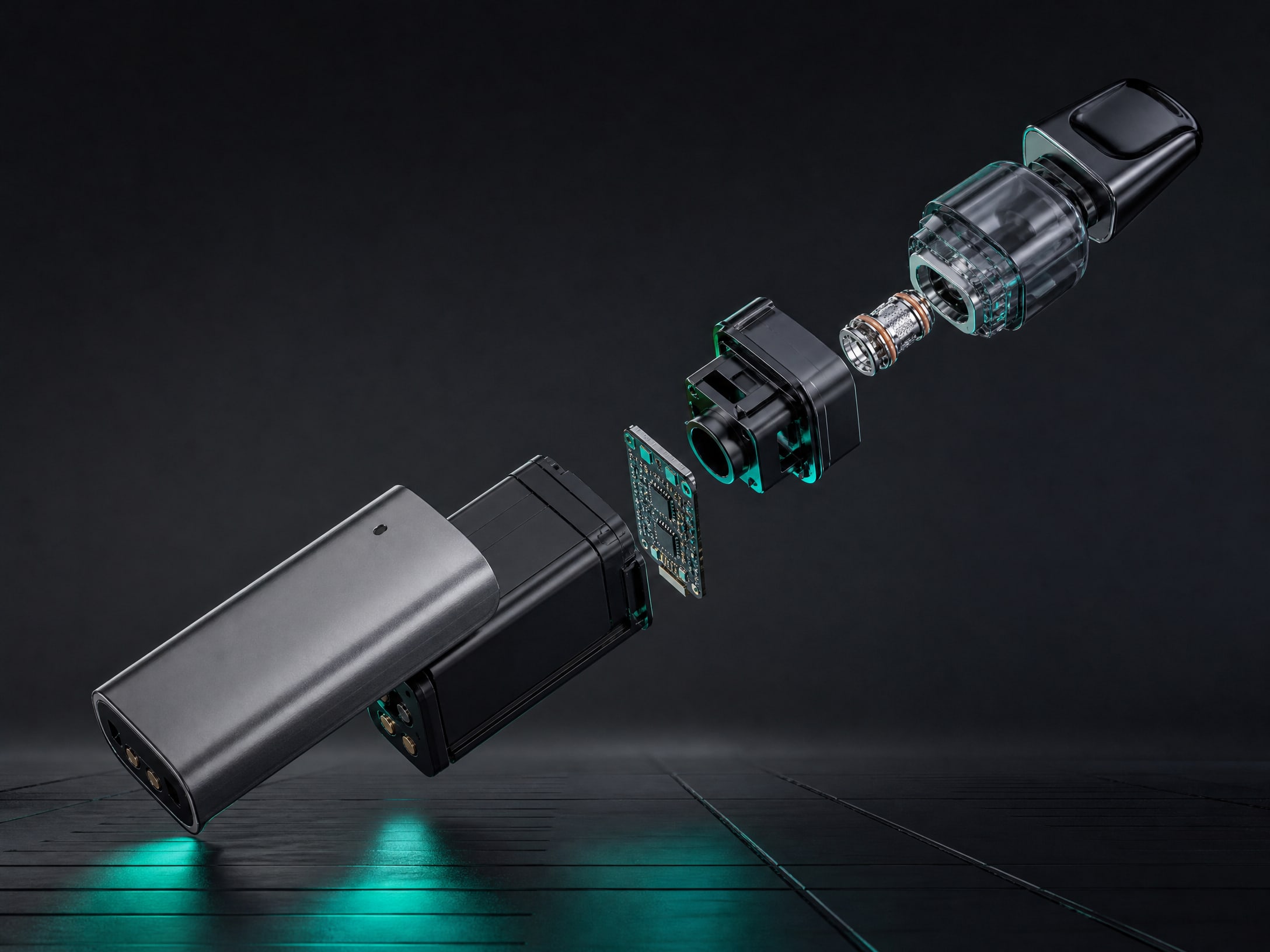
Place the purchase-order model code, internal SKU, product name, hardware revision, drawing revision and key configuration beside each document. Include capacity, coil or pod type, charging interface, battery arrangement and packaging where they affect the reviewed record. Resolve naming differences in a signed model cross-reference.
Read reports for scope, not just results
Check the issuer, test date, sample description, model designation, standards or methods cited, pages, appendices and conclusions. Confirm whether the report covers the submitted configuration or only a related family. A positive report may be relevant to one defined model and purpose, but it should not be treated as blanket approval for every product, destination or future revision.
Control design changes
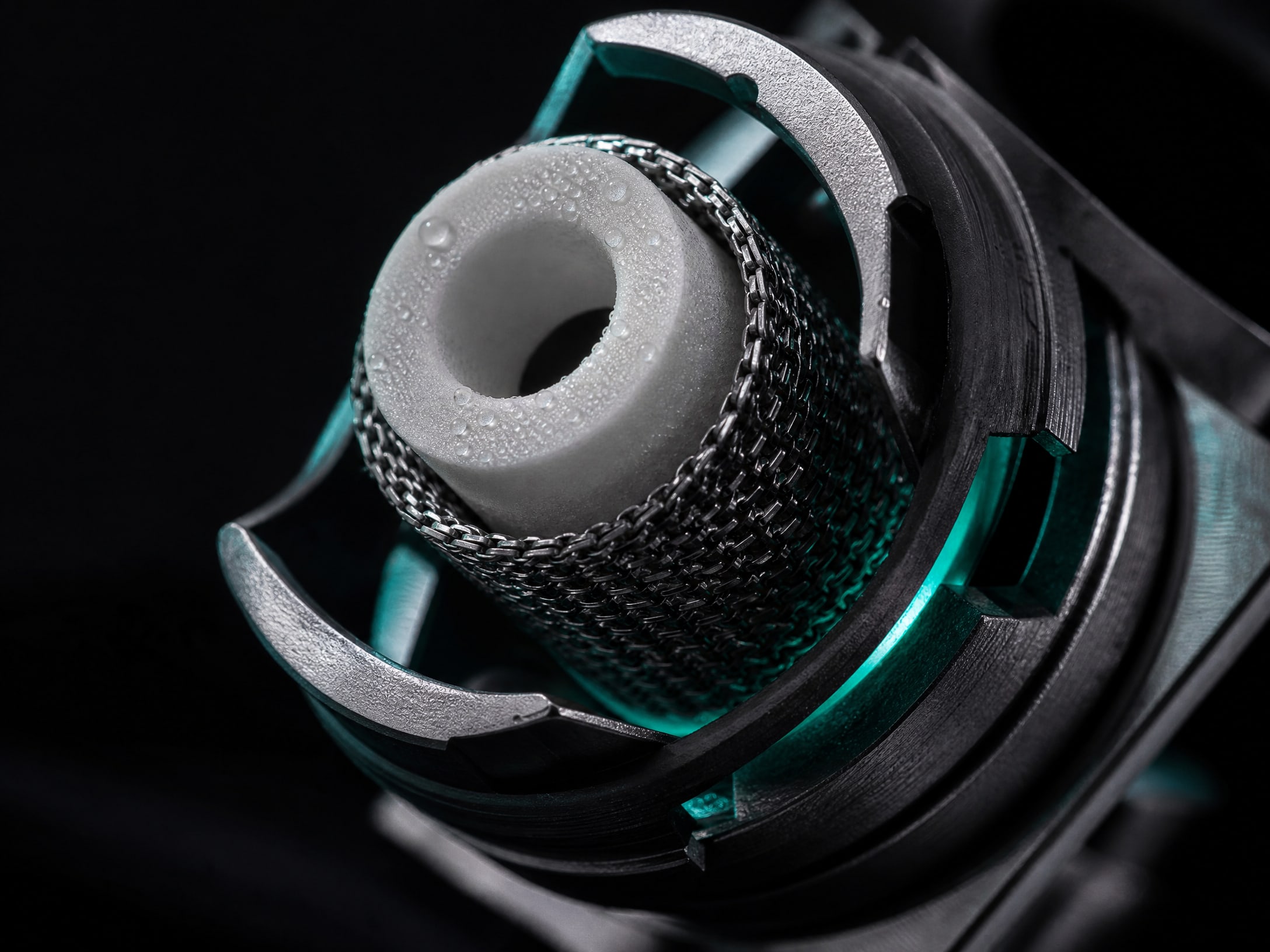
Request the latest controlled specification, bill of materials and change history. Decide in advance which changes require document review, retesting, customer notice or a new approval. Changes to battery cells, electronics, heating parts, materials, liquid contact parts or labels can make an earlier record unsuitable for the revised order.
Clear battery, shipment and formula decisions separately
Battery, transport and formulation records often serve different operational decisions. Review each against the actual shipment and product build.
Match battery evidence to the installed pack
Check cell manufacturer, cell model, chemistry, nominal capacity, number of cells, pack design and protection arrangement against the bill of materials. Review test summaries and safety data for the actual battery or pack configuration where relevant. A record for a cell does not necessarily cover a finished pack, device or changed assembly.
Plan transport using the real shipment
Give the logistics provider the current product description, battery details, quantities, packing method, shipment mode and destination. Compare these facts with any transport classification, test summary, safety data sheet and carrier requirements. Acceptance can vary by route, carrier, packaging and destination, so confirm it for the planned shipment rather than relying on an old booking.
Link formulation records to the ordered liquid
For e-liquid or filled products, match the formulation code, ingredient or material specification, strength where applicable, flavour code, safety data sheet revision, factory and intended market to the ordered item. Ask the supplier to identify whether a formulation change, relabelling or different filling site affects the record. Do not use a document for one formulation as evidence for a different formula or batch.
Release the purchase lot with traceable records
Lot-level control supports the decision to accept, hold or release a specific production run rather than a general supplier relationship.
Tie records to the order and lot
Require production records to show the purchase-order number, model and revision, lot or batch code, manufacturing date, quantity and production site. Check that the same lot code appears consistently on product labels, cartons, packing list, inspection records and any certificate of analysis or conformity supplied for that lot.
Check dates and document versions
Confirm that inspection, test, formulation and transport records were current for the production date and intended shipment. Record when each file was received, who reviewed it and which version informed the decision. Superseded documents should remain traceable but not be used as the active basis for release.
Document exceptions before release
If a name, model, address, lot, date or scope does not match, place the order or shipment on hold until the supplier provides a controlled clarification. Capture the discrepancy, evidence reviewed, risk owner, approval or rejection, and any conditions for release. This creates an audit trail without overstating what a document proves.