
VANTHER TOPPER
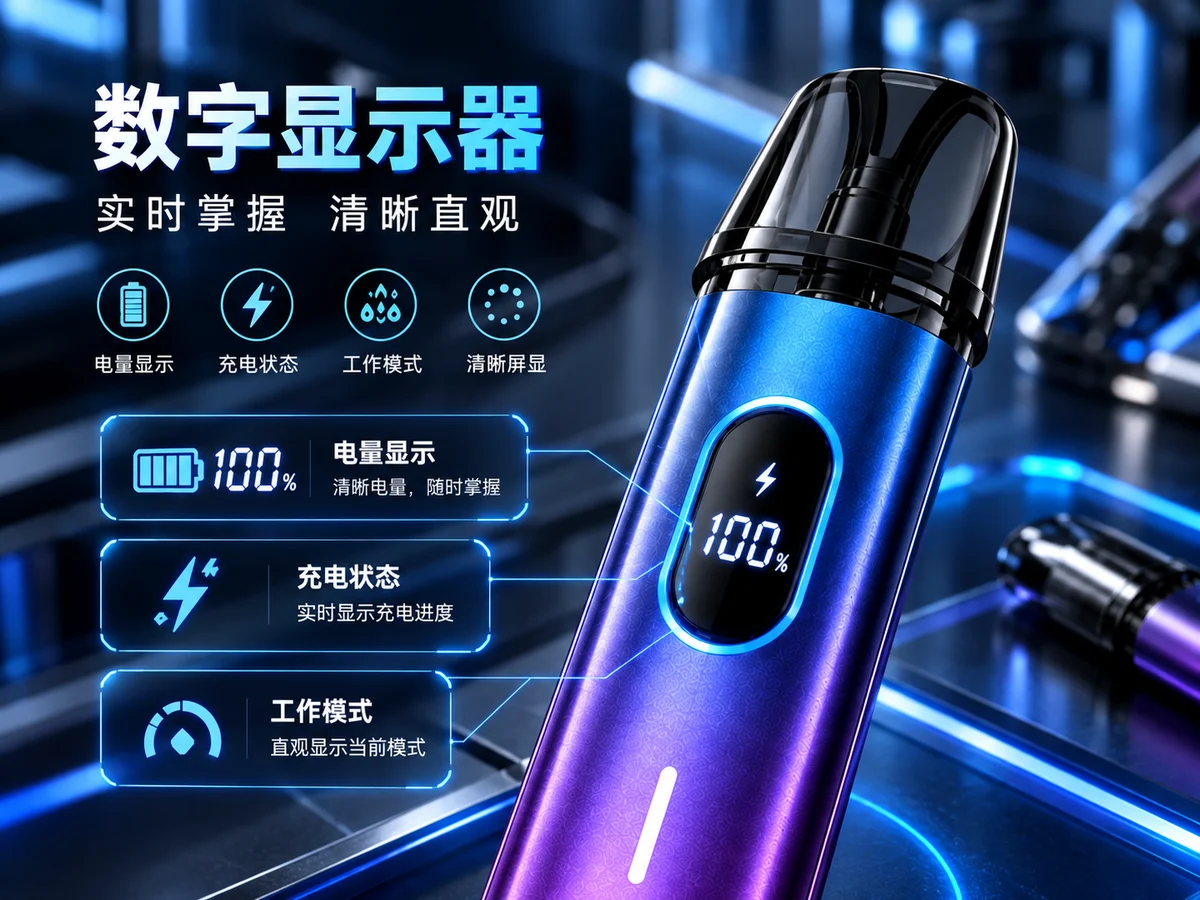
Digital display device artwork
Digital Displays

Smart Control

Battery & Liquid Digital Display

Display battery, liquid, power and device status.

  • Battery-level indication
  • Liquid-level display
  • Interface customization

Send the target country, quantity and custom options for MOQ and timing.

Overview

About Digital Displays

A digital display can show supported battery, liquid, power and device-status information. Base the display on what the electronics can actually measure or estimate. Some liquid-level displays use an estimate rather than a direct sensor, so the interface should make that clear. Compare readability, power use and screen behavior on a working device before approving the design.

01

Useful Status Information

Start with the battery, power or operating cues users actually need. Too many symbols make a small screen harder to scan. Compare brightness, contrast and display states at the intended viewing angles before adding more interface detail.

02

Measured or Estimated

Confirm the source of every displayed value. Battery and liquid readings can be sensed or calculated depending on the device. An estimated liquid level should not imply a precise measurement. Assess the indication against the actual reservoir and usage conditions.

03

Screen and Power Budget

Screen size, brightness and active time affect the power plan as well as the housing. Review the display with draw, standby and charging states. Match the interface to the board and firmware so the display works as part of the device.

Product Setup

Configuration Guide

Specifications vary by device, e-liquid and packaging configuration.

Ask for specifications
ConfigurationConfiguration details
Screen fitDefine display area, housing fit and viewing conditions.
Status informationSpecify battery, liquid, power or warning states supported by the device.
Data sourceDistinguish sensor readings from firmware estimates.
UI versionAgree symbols, layout, state sequence and linked firmware release.

OEM / ODM

Status and Brand Options

Define the indicators, symbols, layout and status sequence you need. Check which readings come from sensors and which are estimated by the firmware. Brand graphics must fit the selected screen and remain readable during operation. Approve display states on working hardware and keep the accepted UI files linked to the firmware version.

OEM / ODM services

For Your Quote

Include your country, selected product, quantity, custom changes and planned delivery date. Reference files are welcome.

Buyer Questions

FAQs

Product Enquiry

Source Digital Displays

Send your market, order size and custom requirements for a quotation.

Request a quote